Best XP-PEN Tablets for Adobe Photoshop in Pakistan
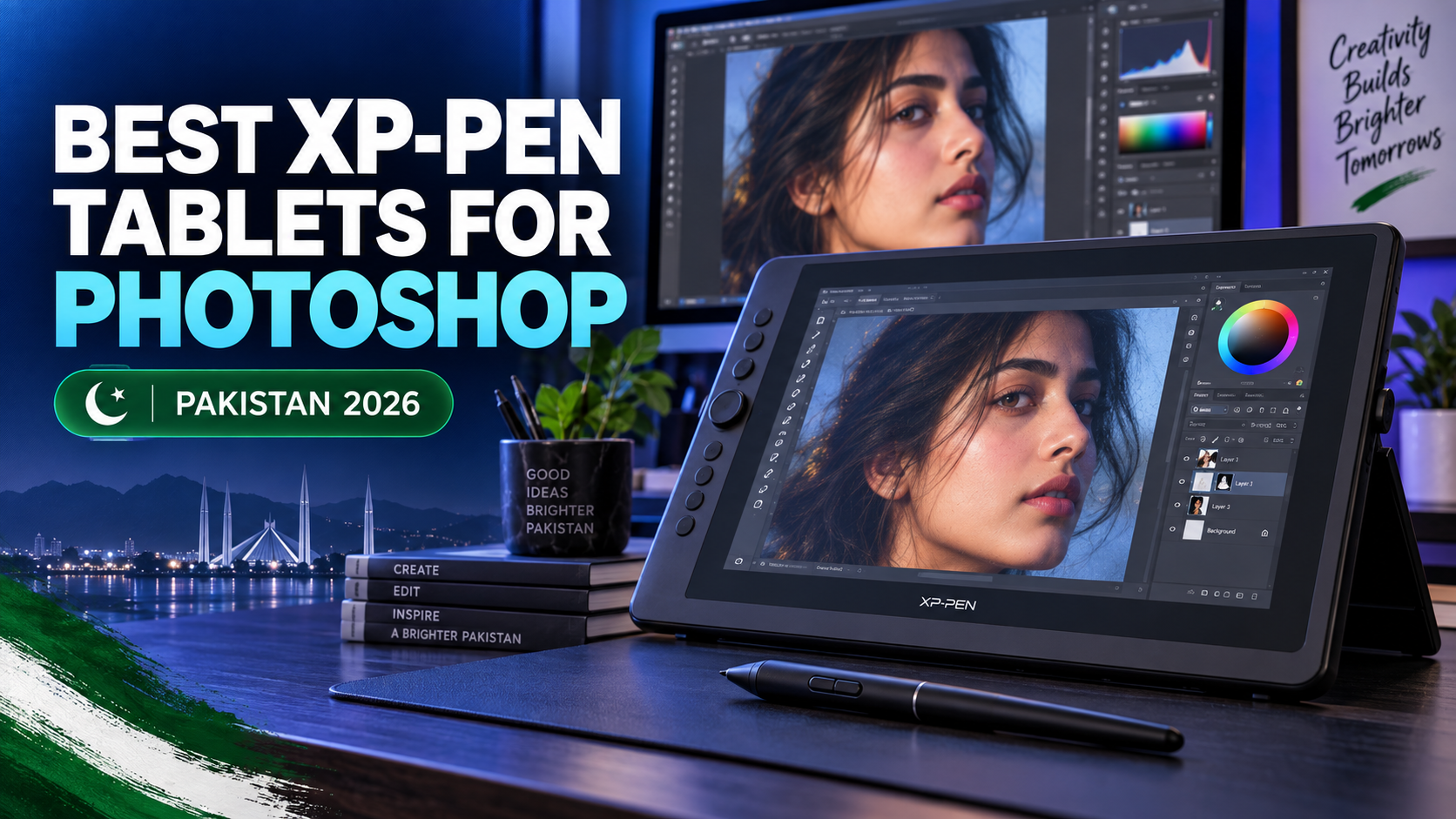
Adobe Photoshop is one of the most widely used creative applications for photo editing, graphic design, digital painting, illustration, and professional image retouching. Although Photoshop can be operated with a standard mouse, many creative tasks require better precision and more natural control. This is where an XP-PEN drawing tablet can make a noticeable difference.
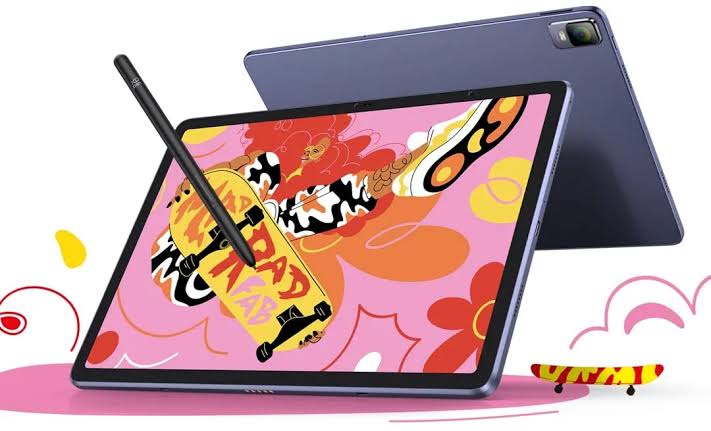
A pressure-sensitive stylus allows you to control brush size, opacity, and stroke intensity through the pressure applied by your hand. This makes detailed work such as portrait retouching, hair masking, digital painting, dodge and burn, and product photo editing more accurate and comfortable.
XP-PEN offers several pen tablets and pen displays for different skill levels and budgets. Whether you are a beginner learning Photoshop, a photographer editing portraits, or a professional illustrator, you can find a suitable device in Pakistan.
This guide covers some of the best XP-PEN tablets for Adobe Photoshop in Pakistan and explains how to choose the right model for your workflow.
Why Use an XP-PEN Tablet With Adobe Photoshop?
A mouse is suitable for basic tasks such as opening files, navigating menus, and making simple adjustments. However, it does not provide the natural movement or pressure control needed for detailed creative work.
An XP-PEN tablet gives you a pen-shaped stylus that responds to your hand movement. Compatible models can also provide pressure sensitivity inside Photoshop, allowing supported brushes to react to how lightly or firmly you press the pen.
Here are some common Photoshop tasks that become easier with a drawing tablet:
- Portrait and skin retouching
- Hair and object masking
- Background removal
- Digital painting and illustration
- Dodge and burn
- Product photo editing
- Handwritten typography
- Precise selections
- Layer mask refinement
- Brush-based color correction
For example, when performing dodge and burn, a pressure-sensitive pen can help you gradually brighten or darken specific areas. When editing hair, the stylus provides better control around fine edges than a traditional mouse.
A tablet can also feel more comfortable during long editing sessions because the movement is closer to drawing or writing on paper.
Pen Tablet vs Pen Display for Photoshop
Before choosing a model, it is important to understand the difference between a pen tablet and a pen display.
A pen tablet does not have a built-in screen. You draw on the tablet while looking at your computer monitor. These devices are generally affordable, lightweight, and easy to carry. However, beginners may need a little time to develop hand-eye coordination.
A pen display includes a screen, allowing you to draw and edit directly over the image. This usually feels more natural, especially for illustrators and artists. Pen displays are generally more expensive and require more desk space, but they provide a more immersive creative experience.
| Feature | Pen Tablet | Pen Display |
|---|---|---|
| Built-in screen | No | Yes |
| Working method | Draw on the tablet while viewing a monitor | Draw directly on the display |
| Price range | More affordable | Usually more expensive |
| Portability | Lightweight and portable | Larger and comparatively heavier |
| Learning curve | Requires some practice | More natural for beginners |
| Best suited to | Students, editors and beginners | Illustrators and professionals |
The right option depends on your budget, working style, and the type of Photoshop projects you complete.
1. XP-PEN Deco 640 – Best for Beginners
The XP-PEN Deco 640 is a compact and affordable drawing tablet for students, beginners, and users who want to improve their Photoshop control without making a large investment.
It features a 6 × 4-inch active area and 16,384 pressure levels. Its small size makes it suitable for limited desk spaces, home offices, classrooms, and portable workstations.
For Photoshop users, the Deco 640 can be used for basic photo retouching, masking, drawing, handwritten designs, and brush-based editing. Its compact working area may feel more comfortable to people who prefer using smaller hand movements.
It is a practical option for:
- Photoshop beginners
- Graphic design students
- Online teachers
- Freelancers starting creative work
- Users with limited desk space
- Budget-conscious photo editors
The Deco 640 may not provide the large working space required by some professional illustrators, but it offers an accessible starting point for learning pen-based editing.
2. XP-PEN Deco 01 V3 – Best Overall Value
The XP-PEN Deco 01 V3 is a strong all-round option for graphic designers, photographers, digital artists, and students. It offers a larger 10 × 6.25-inch working area, providing more space for detailed hand movements.
The tablet features 16,384 pressure levels, tilt support, a battery-free stylus, and eight customizable shortcut keys. Its slim design also makes it convenient to carry between home, university, and the workplace.
In Adobe Photoshop, the shortcut keys can be assigned to frequently used actions such as:
- Undo and redo
- Brush size adjustment
- Zoom in and out
- Switching between brush and eraser
- Opening selection tools
- Moving around the canvas
The larger active area is especially helpful for photo manipulation, digital painting, fashion illustration, concept art, and detailed masking.
The Deco 01 V3 is suitable for users who want professional-level control without purchasing a screen-based drawing display. It provides an excellent balance between working area, functionality, portability, and price.
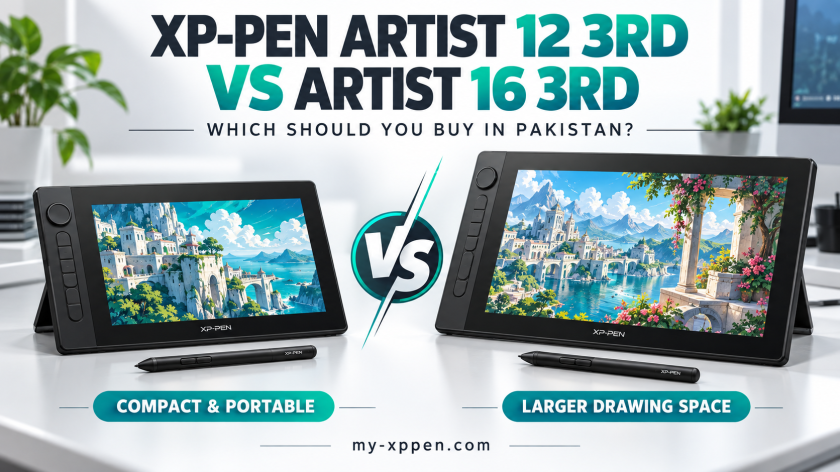
3. XP-PEN Artist 12 3rd – Best Portable Pen Display
The XP-PEN Artist 12 3rd is a portable drawing display for users who prefer editing directly on a screen.
It features an 11.9-inch Full HD display, an X4 Smart Chip Stylus with 16,384 pressure levels, customizable shortcut keys, and an X-Dial. The display also covers 99% sRGB, which is valuable for creative work where colour presentation matters.
The X-Dial can make it easier to adjust brush size, zoom level, or other selected controls without repeatedly using the keyboard. Its customizable buttons can also reduce the time spent navigating Photoshop menus.
This model is useful for:
- Digital painting
- Portrait retouching
- Illustration
- Fashion sketching
- Product design
- Photo manipulation
- Social media creative design
Because you work directly on the displayed image, the Artist 12 3rd offers a more natural experience than a traditional screenless tablet. It is a good option for students, freelancers, and creative professionals who want a display-based workflow in a portable size.
4. XP-PEN Artist 13.3 Pro V2 – Best for Detailed Creative Work
The XP-PEN Artist 13.3 Pro V2 provides a larger screen-based workspace for designers and artists who regularly perform detailed Photoshop work.
A medium-sized pen display offers more room for toolbars, layers, adjustment panels, and the main editing canvas. This can help users maintain a more organized Photoshop workspace while working directly on the image.
The model is a suitable choice for:
- Professional photo retouching
- Character illustration
- Advertising design
- Digital painting
- Advanced compositing
- Fashion and textile design
- Detailed product editing
Compared with a compact pen tablet, a display model can reduce the initial learning curve because the pen moves directly over the visible image. However, buyers should still consider available desk space, connectivity requirements, and portability before purchasing.
5. XP-PEN Artist Pro 16 (Gen 2) – Best for Professionals
The XP-PEN Artist Pro 16 (Gen 2) is designed for serious creative work. It combines a larger screen with 2.5K resolution, 16,384 pressure levels, a fully laminated display, and broad colour-gamut coverage.
A fully laminated screen helps reduce the visual distance between the stylus tip and the cursor. This can make precise strokes and selections feel more accurate, especially during professional illustration and high-detail retouching.
The larger working area also gives users more space for Photoshop panels without making the main canvas feel restricted.
It is most suitable for:
- Professional digital artists
- Senior graphic designers
- Commercial photographers
- Concept artists
- Creative studios
- Advanced Photoshop users
The Artist Pro 16 Gen 2 is a premium option compared with entry-level pen tablets. However, professionals who spend several hours each day working in Photoshop may benefit from its larger display, colour capabilities, and comfortable workflow.
Which XP-PEN Tablet Should You Choose?
Your decision should be based on your experience level, budget, desk space, and the type of Photoshop work you perform.
Choose the XP-PEN Deco 640 if you are a beginner and need an affordable, compact tablet.
Choose the XP-PEN Deco 01 V3 if you want the best balance of active area, pressure sensitivity, shortcut keys, and value.
Choose the XP-PEN Artist 12 3rd if you want a portable pen display that allows you to edit directly on the screen.
Choose the XP-PEN Artist 13.3 Pro V2 if you need more screen space for detailed illustration, photo manipulation, and professional creative work.
Choose the XP-PEN Artist Pro 16 Gen 2 if you are an advanced artist, photographer, or designer who requires a larger and more capable creative display.
Important Features to Check Before Buying
Pressure Sensitivity
Pressure sensitivity controls how Photoshop brushes respond to your hand. Higher sensitivity can provide smoother transitions between light and heavy strokes, but driver configuration and brush settings also affect the final experience.
Active Area and Display Size
A small tablet is portable and suitable for limited desk spaces. A larger tablet gives you more room for natural arm movement. Pen displays should also provide enough screen space for Photoshop panels and the editing canvas.
Shortcut Keys
Customizable keys can speed up repetitive actions. You can assign frequently used Photoshop commands such as Undo, Brush, Eraser, Zoom, Hand Tool, and Brush Size.
Operating-System Compatibility
Check that the model supports your current version of Windows, macOS, or another operating system. You should also download the latest driver for your exact XP-PEN model.
Warranty and Authenticity
Always purchase from a reliable seller and verify the warranty terms. You can also review the XPPEN Authorized Distributor in Pakistan information before placing your order.
How to Set Up an XP-PEN Tablet for Photoshop
First, download and install the correct driver for your XP-PEN model. Connect the tablet or display to your computer and open the XP-PEN driver settings.
Calibrate the display if you are using a pen-display model. Next, set the active working area and customize the shortcut keys according to your Photoshop workflow.
Open Photoshop and test the pen with a pressure-sensitive brush. If pen pressure does not work correctly, check the selected brush settings, update the XP-PEN driver, restart Photoshop, and confirm that the correct device is active.
It may take a few days to become comfortable with a screenless pen tablet. Regular practice with masking, brush strokes, and selections will help improve your hand-eye coordination.
Frequently Asked Questions
Do XP-PEN tablets work with Adobe Photoshop?
Compatible XP-PEN models can be used with Adobe Photoshop for drawing, retouching, masking, selection work, and other pen-based tasks. Always verify the operating-system and software compatibility of the specific model before purchasing.
Which XP-PEN tablet is best for Photoshop beginners?
The XP-PEN Deco 640 is a good entry-level choice, while the Deco 01 V3 provides a larger working area and more advanced control for users who can increase their budget.
Is a pen display necessary for photo editing?
No. A screenless pen tablet is enough for most photo-retouching and masking tasks. A pen display is more helpful for users who prefer drawing directly on their artwork.
Can XP-PEN improve Photoshop retouching?
A stylus can provide better brush control for skin retouching, dodge and burn, masks, and detailed selections. The final result still depends on the editor’s skills and Photoshop settings.
Where can I buy XP-PEN tablets in Pakistan?
You can explore available XP-PEN drawing tablets and pen displays in Pakistan through My XP-PEN. For product availability, compatibility, and purchase guidance, you can also contact XP-PEN Pakistan.
Final Thoughts
The best XP-PEN tablet for Adobe Photoshop depends on how you work. Beginners can start with an affordable pen tablet, while professional illustrators and editors may prefer a larger pen display.
The Deco 640 is suitable for basic learning, whereas the Deco 01 V3 provides excellent overall value. The Artist 12 3rd and Artist 13.3 Pro V2 offer a natural screen-based experience, while the Artist Pro 16 Gen 2 is better suited to advanced professional workflows.
Whichever model you choose, a pressure-sensitive stylus can make Photoshop editing more precise, efficient, and comfortable. Compare the available features carefully, confirm compatibility with your computer, and select the tablet that best fits your creative requirements and budget.