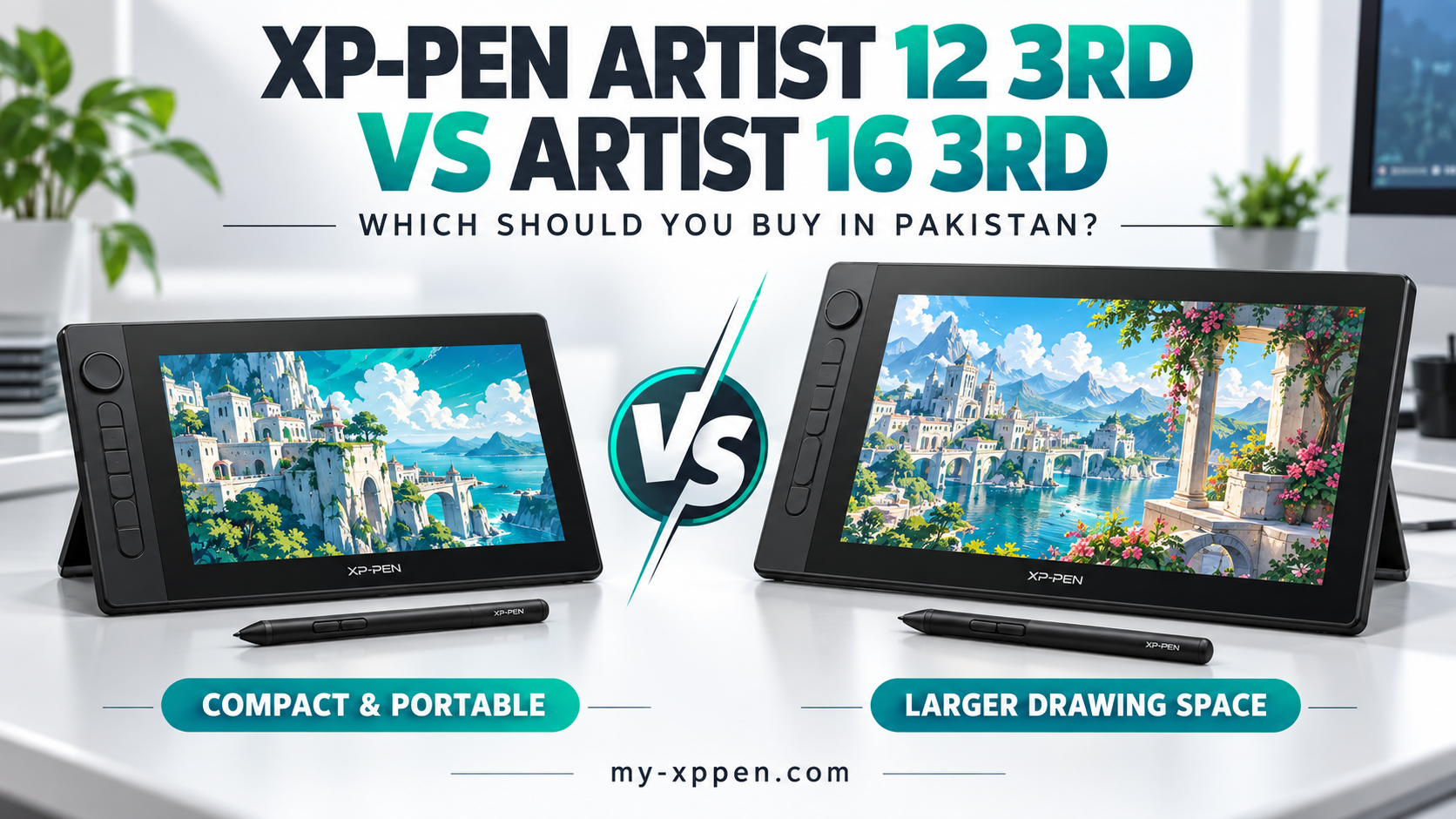
XP-PEN Artist 12 3rd vs Artist 16 3rd: Which Should You Buy in Pakistan?
Buying a drawing tablet with a screen is an important upgrade for digital artists, design students and freelancers. However, choosing the larger model is not automatically the right decision. Your budget, desk space and everyday workflow should guide your purchase.
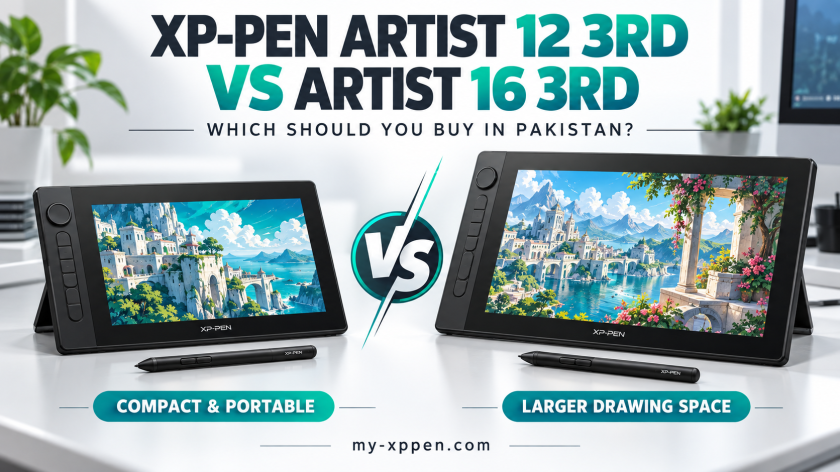
The XP-PEN Artist 12 3rd and XP-PEN Artist 16 3rd offer two different sizes within the same generation. This guide compares their listed features and explains which option makes more sense for different buyers in Pakistan.
XP-PEN Artist 12 3rd vs Artist 16 3rd: Quick Comparison
| Feature | Artist 12 3rd | Artist 16 3rd |
|---|---|---|
| Listed price in Pakistan | PKR 75,000 | PKR 117,000 |
| Display size | 11.9 inches | 15.4 inches |
| Resolution | 1920 × 1080 | 1920 × 1080 |
| Stylus | X4 Smart Chip Stylus | X4 Smart Chip Stylus |
| Pressure levels | 16,384 | 16,384 |
| Listed net weight | 719 g | 1,355 g |
| Typical sRGB coverage | 99% | 99% |
| Standalone operation | No | No |
Prices were checked on 28 September 2026 and may change. Confirm current stock, pricing and package details before ordering. Buying recommendations below are based on specifications and practical considerations, rather than hands-on testing.
Price Difference: Is the Larger Model Worth It?
At the listed prices, the Artist 16 3rd costs PKR 42,000 more. That makes the decision especially important for students and first-time buyers.
Ask yourself what that additional spending would change in your daily work. If you mainly create small illustrations, practise drawing or work at a compact desk, a larger display may not be your first priority.
If you regularly spend hours painting detailed scenes, the additional working space could be more valuable. Compare both XP-PEN drawing displays against your complete setup budget, including your computer and any required connection accessories.
Screen Size and Your Creative Workflow
The Artist 12 3rd offers a compact drawing surface, while the Artist 16 3rd provides more physical space. Both list Full HD resolution, so the larger model does not give you a higher pixel count.
In practical terms, screen size affects how large your canvas and controls appear at a chosen software scaling setting. Your preferred interface layout also matters.
Think about your current habits. Do you hide tool panels and focus on one canvas, or keep reference images, layers and brushes visible? If possible, compare display sizes in person before committing.
Which Model Is Better for Students?
For students managing a limited budget, the Artist 12 3rd is the more affordable option in this comparison. Its lower listed weight also makes it a reasonable candidate for a setup that moves between home and class.
However, remember that a portable pen display still needs a compatible host device. Include your laptop, cables and stand when thinking about what you will carry.
Choose based on your course requirements and actual practice routine. Spending less on the display may leave room for learning resources or other equipment you need.
Which Model Suits Freelancers and Illustrators?
The Artist 16 3rd deserves consideration if your main workspace is a dedicated desk and you prefer a larger drawing surface.
Our recommendation is to assess comfort before treating the higher price as a professional necessity. A compact display can still support professional work; your skills, software and computer remain important.
For readers focused on photo editing, the XP-PEN tablets for Photoshop guide provides another way to compare options around a specific application.
Pen Features: Do Not Decide on Pressure Levels Alone
Both models list the X4 Smart Chip Stylus, 16,384 pressure levels and 60-degree tilt support. Both also provide dial and shortcut controls.
Because their headline pen specifications are similar, pressure levels alone do not justify choosing the more expensive model.
Consider how you like to draw, where your keyboard will sit and whether you will use the display’s controls. A comfortable layout can matter more to your purchase decision than repeatedly comparing the same headline specification.
Check Your Computer Before Ordering
Neither model is a standalone drawing tablet. You need a compatible computer or another supported host device to use it.
A USB-C socket alone does not confirm a suitable single-cable connection. Check your device’s video-output capabilities and the display’s connection requirements before buying. Supported Android use also depends on the device and connection specifications.
Send your laptop model and available ports to XP-PEN Pakistan’s support team if you are unsure. Confirm the cable arrangement before placing your order.
What If Both Displays Exceed Your Budget?
You do not need to purchase a screen-equipped model to start digital drawing. If drawing while looking at your computer monitor suits you, consider a screenless option such as the XP-PEN Deco 01 V3.
You can also explore the drawing tablets under PKR 30,000 guide to compare a different budget range.
Choose the format that fits your needs now, rather than stretching your budget simply because a display looks more advanced.
Final Buying Recommendation
Choose the Artist 12 3rd if a lower purchase price, compact footprint and lighter device are your main priorities.
Consider the Artist 16 3rd if you prefer a larger physical drawing area and can comfortably accommodate the additional cost and desk space.
Before checkout, confirm availability, warranty terms, package contents and compatibility. Browse My-XPPEN Pakistan or contact the team for help choosing between the two.
Frequently Asked Questions
Can these displays work without a computer?
They do not run independently. A compatible computer or another supported host device is required.
Does the Artist 16 3rd have a higher resolution?
No. Both models list 1920 × 1080 resolution. The main screen difference is their physical size.
Which is the more affordable option?
The Artist 12 3rd is listed at PKR 75,000, compared with PKR 117,000 for the Artist 16 3rd at the time of checking.