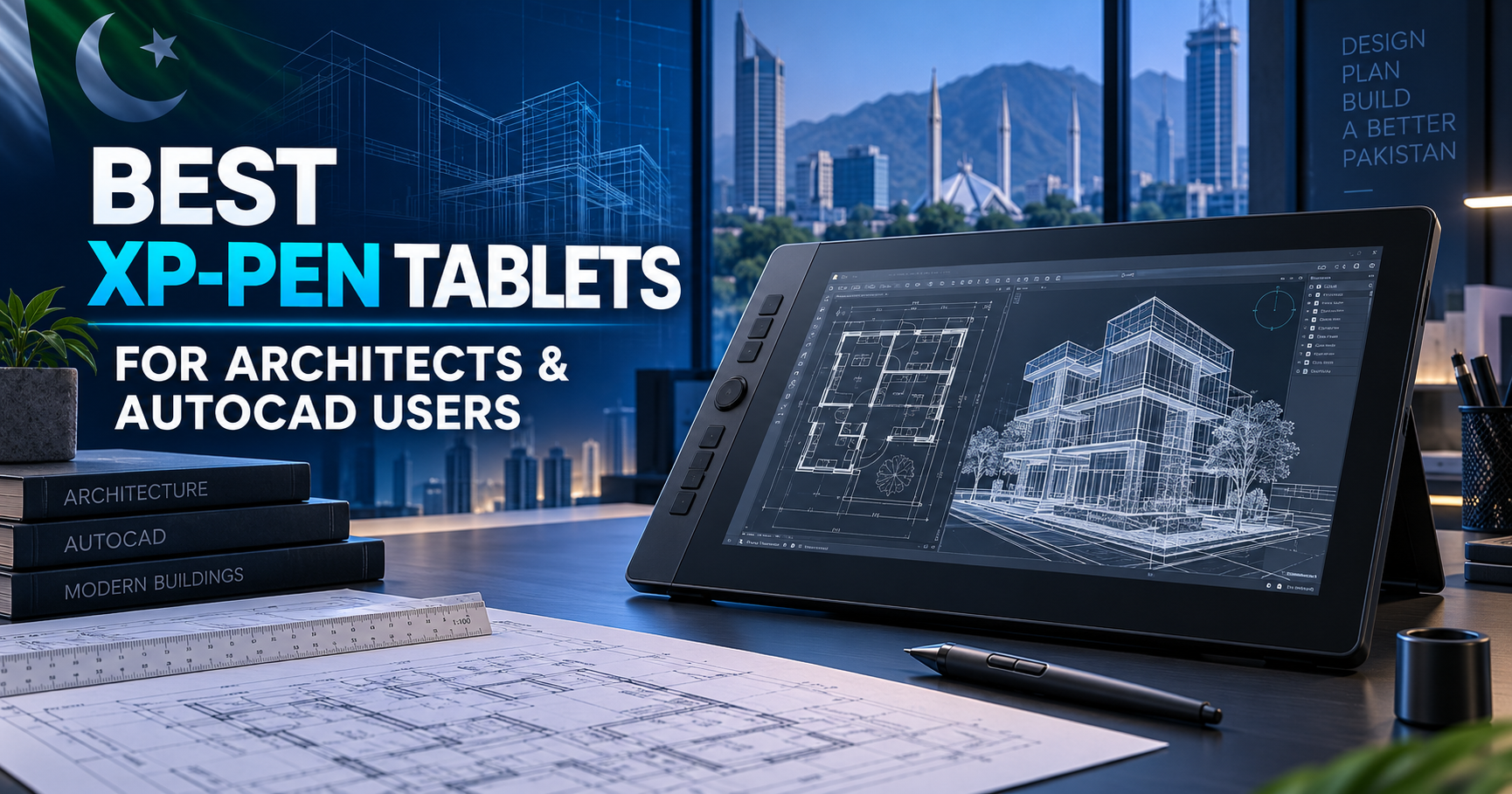
Best XP-PEN Tablets for Architects and AutoCAD Users in Pakistan
Architects spend hours creating floor plans, elevations, concept sketches and detailed presentations. Although a mouse is suitable for basic commands, it can feel slow and unnatural when drawing freehand concepts, marking revisions or adding precise details. An XP-PEN drawing tablet provides a more comfortable and efficient way to work in AutoCAD and other architectural design applications.

If you are searching for the best XP-PEN tablet for architects in Pakistan, the right choice depends on your workflow, available desk space and budget. Some professionals only need an affordable pen tablet for faster navigation and sketching, while others prefer a large pen display that allows them to draw directly on the screen.
At XP-PEN Pakistan, you can explore genuine drawing tablets, pen displays and accessories suitable for architecture students, freelancers and professional studios. This guide compares the most suitable XP-PEN models available for architectural work.
Why Should Architects Use an XP-PEN Tablet?
A drawing tablet can make digital drafting feel closer to working with a real pen. Pressure-sensitive input gives architects better control while producing concept sketches, presentation diagrams and handwritten annotations. Programmable shortcut keys can also reduce repeated keyboard movements during long design sessions.
An XP-PEN tablet can be useful for:
- Creating architectural concept sketches
- Marking and reviewing drawings
- Drawing site plans and floor-plan ideas
- Editing presentation boards
- Retouching architectural renders
- Producing landscape and interior design illustrations
- Adding handwritten notes to client proposals
XP-PEN tablets can complement software such as AutoCAD, Adobe Photoshop, Illustrator, SketchUp and other design tools. Compatibility can vary by model, operating system and software version, so buyers should check the current product specifications before ordering.
1. XP-PEN Deco 01 V3 — Best Affordable Choice for Architecture Students
The XP-PEN Deco 01 V3 is an excellent starting point for architecture students and beginners who want a spacious drawing area without purchasing a screen tablet. Its large active area makes it suitable for sketching, tracing, annotations and detailed cursor control.
Because it is a pen tablet, you draw on the tablet while viewing the result on your computer monitor. This setup may require a short adjustment period, but it offers strong value for students using AutoCAD, Photoshop or Illustrator for assignments and portfolio work.
Best for: Architecture students, beginners and budget-conscious users.
Why buy it: It provides a generous workspace and pen-based control at a more accessible price than a pen display.
2. XP-PEN Artist 12 (3rd Gen) — Best Compact Pen Display
Architects who prefer drawing directly on a screen should consider the XP-PEN Artist 12 (3rd Gen). Its compact format is suitable for small desks, home offices and portable workstations.
The direct-on-screen experience is particularly useful for conceptual sketching, quick revisions and visual presentation work. It can also help students move more naturally from paper sketching to digital design. The smaller screen keeps the setup manageable, although professionals working on highly detailed plans may prefer a larger display.
Best for: Students, freelance architects and users with limited desk space.
Why buy it: It combines a direct drawing experience with a compact, practical size.
3. XP-PEN Artist 13.3 Pro V2 — Best Balanced Option
The XP-PEN Artist 13.3 Pro V2 offers a useful balance between portability and working space. It is large enough for regular creative work yet compact enough for most home and office desks.
For architects, this model can support sketch development, drawing reviews, presentation-board preparation and render editing. Its screen-based workflow makes it easier to follow pen movements naturally, while customizable controls can support a faster design process.
Best for: Freelancers, junior architects and interior designers.
Why buy it: It is a practical mid-range choice for users who want more working room without moving to a large professional display.
4. XP-PEN Artist 16 (3rd Gen) — Best for Professional Daily Work
The XP-PEN Artist 16 (3rd Gen) is a stronger option for professionals who spend several hours each day designing, reviewing or presenting architectural work. Its larger display provides more room for menus, toolbars, reference images and the main drawing canvas.
This extra space is valuable when editing detailed presentation sheets or moving between multiple design elements. It can also create a more comfortable working experience for architects, landscape designers and interior professionals who frequently sketch or retouch visuals.
Best for: Professional architects, interior designers and design studios.
Why buy it: The larger screen supports a more comfortable and productive desktop workflow.
5. XP-PEN Artist Ultra 16 — Premium Choice for Creative Professionals
The XP-PEN Artist Ultra 16 is designed for buyers who want a premium pen-display experience for professional creative work. It is particularly suitable for architects who also produce high-quality illustrations, concept visuals, detailed render edits or client presentation artwork.
This model is better suited to professionals who view their drawing display as a long-term workstation investment rather than an occasional accessory. Before purchasing, compare its current specifications, computer requirements and connectivity options with your existing setup.
Best for: Senior architects, visualization specialists and premium studios.
Why buy it: It is a high-end option for demanding creative and presentation workflows.
Which XP-PEN Tablet Is Best for AutoCAD Users?
For basic AutoCAD navigation, annotations and occasional sketching, the Deco 01 V3 offers excellent value. If you want to draw directly on a display, the Artist 12 (3rd Gen) is a compact entry option. The Artist 13.3 Pro V2 provides the best balance for many freelancers, while the Artist 16 (3rd Gen) gives professional users more room for everyday work. For premium architectural visualization and illustration, the Artist Ultra 16 is the strongest option in this selection.
| User Type | Recommended XP-PEN Model |
|---|---|
| Architecture student | Deco 01 V3 |
| Beginner screen-tablet user | Artist 12 (3rd Gen) |
| Freelancer or interior designer | Artist 13.3 Pro V2 |
| Professional architect | Artist 16 (3rd Gen) |
| Visualization specialist | Artist Ultra 16 |
What to Check Before Buying
Before ordering an XP-PEN tablet in Pakistan, consider whether you need a pen tablet or a pen display. Check the available desk space, screen size, connectivity, operating-system compatibility and shortcut controls. You should also purchase from a reliable seller that provides genuine products, clear warranty information and local assistance.
You can browse the complete Graphic Tablets collection or compare available XP-PEN Graphic Displays before making your decision.
Buy an Original XP-PEN Tablet in Pakistan
The best tablet is the one that fits both your architectural workflow and budget. Students can begin with the Deco 01 V3, while working professionals may benefit from the larger screen and direct drawing experience of the Artist series.
Explore the latest models and current offers at XP-PEN Pakistan. If you need help selecting a tablet for AutoCAD, architectural sketching or professional visualization, contact the XP-PEN Pakistan team before placing your order.