

Description
XPPEN PAKISTAN • ARRIVING SOON
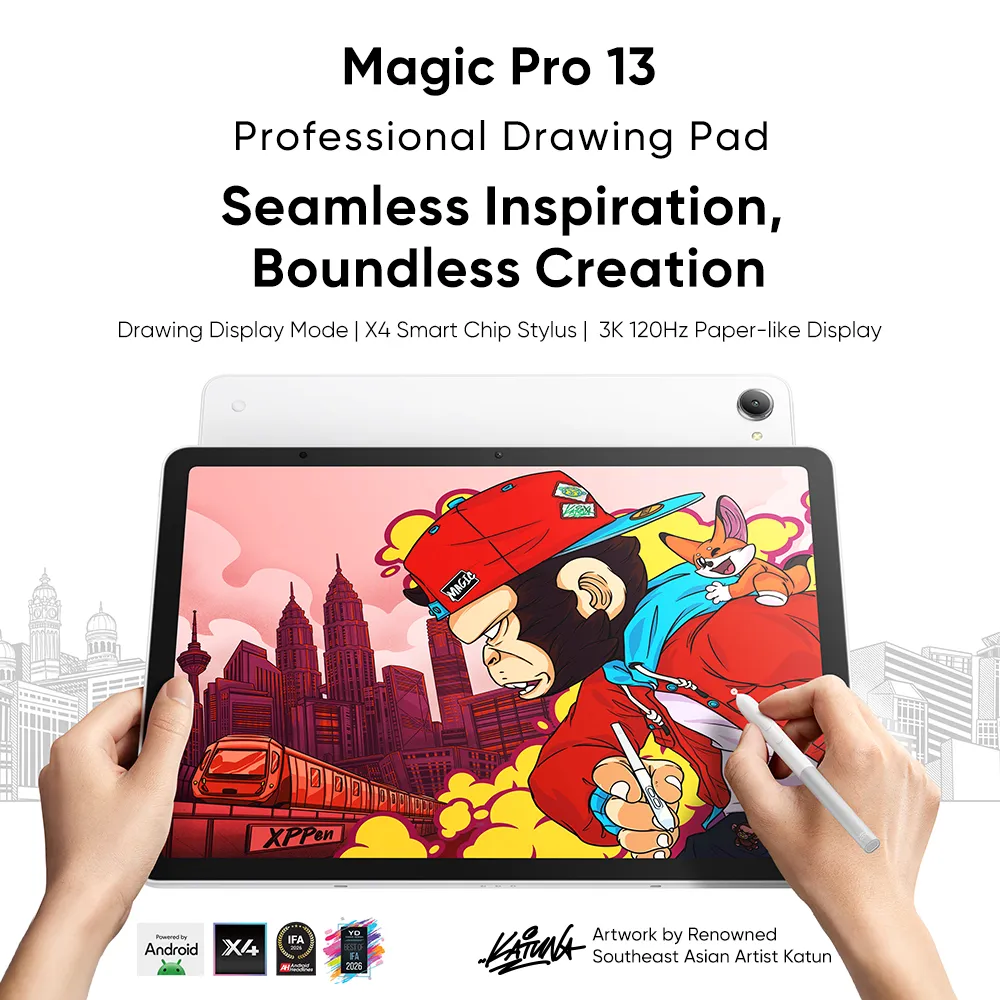
XPPEN Magic Pro 13 Price in Pakistan
Rs 266,000
Buy from an authorized distributor, Maxtek International Pakistan, through my-xppen.com. Contact our team for arrival updates and local warranty details.
Your studio, wherever ideas happen
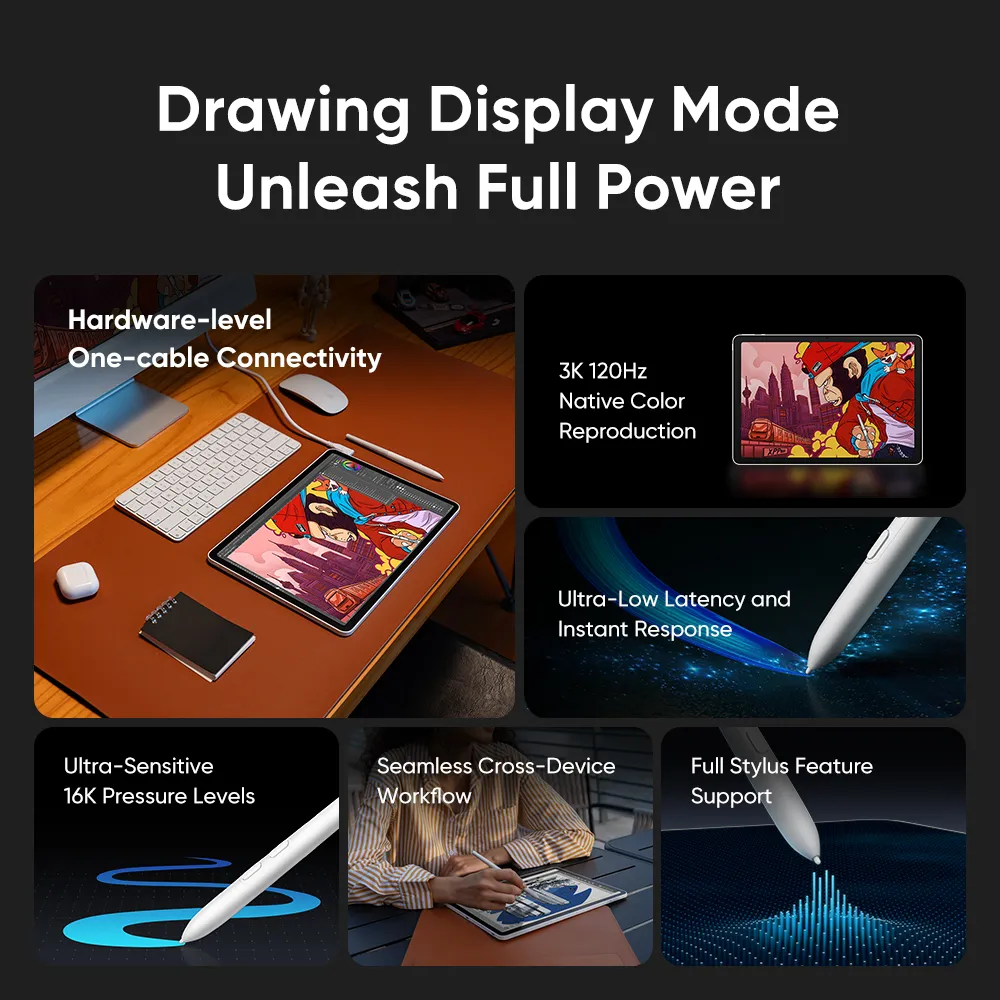
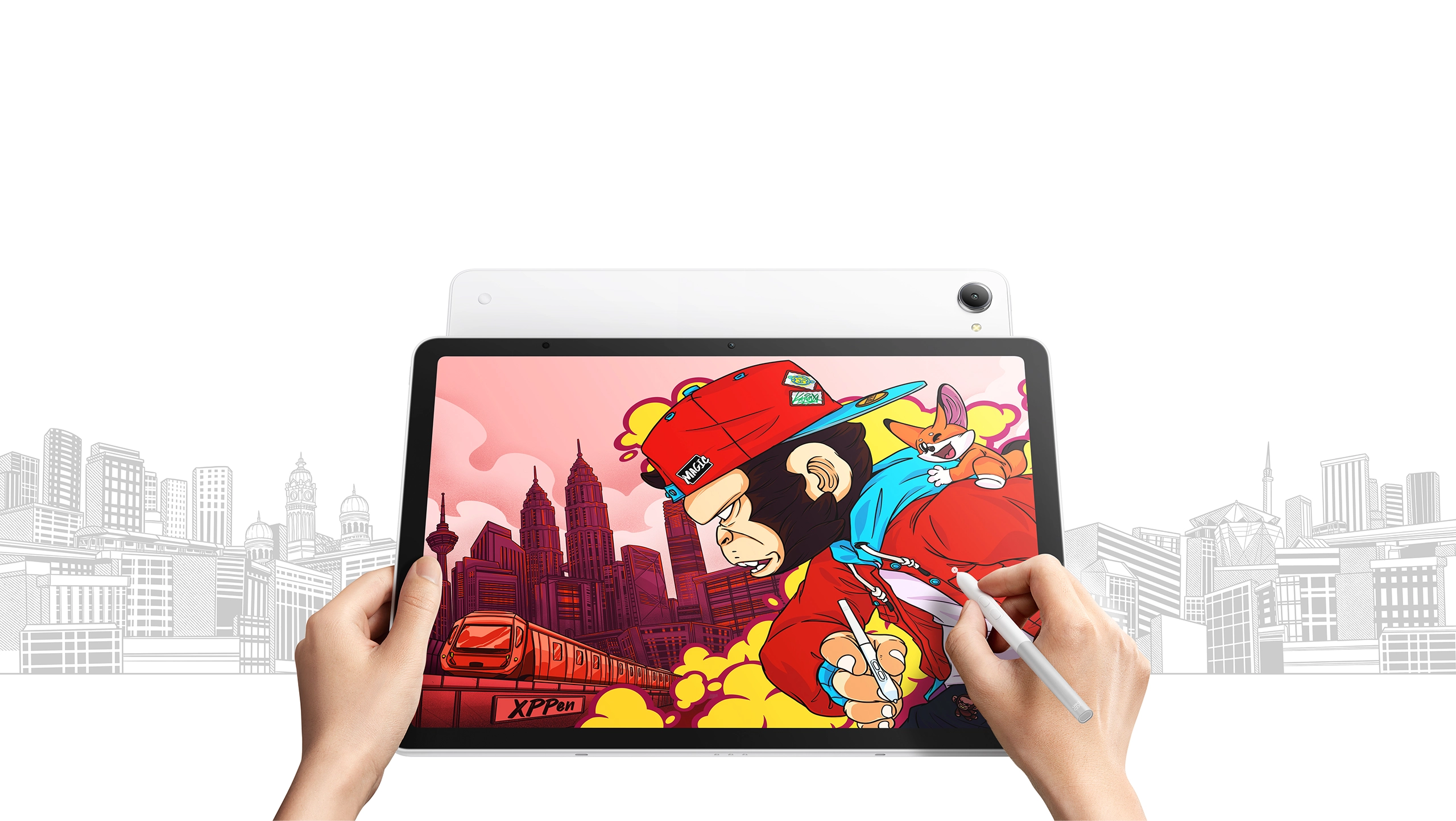
Draw directly on Android without a computer. When a project needs desktop software, connect Magic Pro 13 to a compatible computer and use Drawing Display Mode. It gives illustrators, students and designers two ways to work with one device.
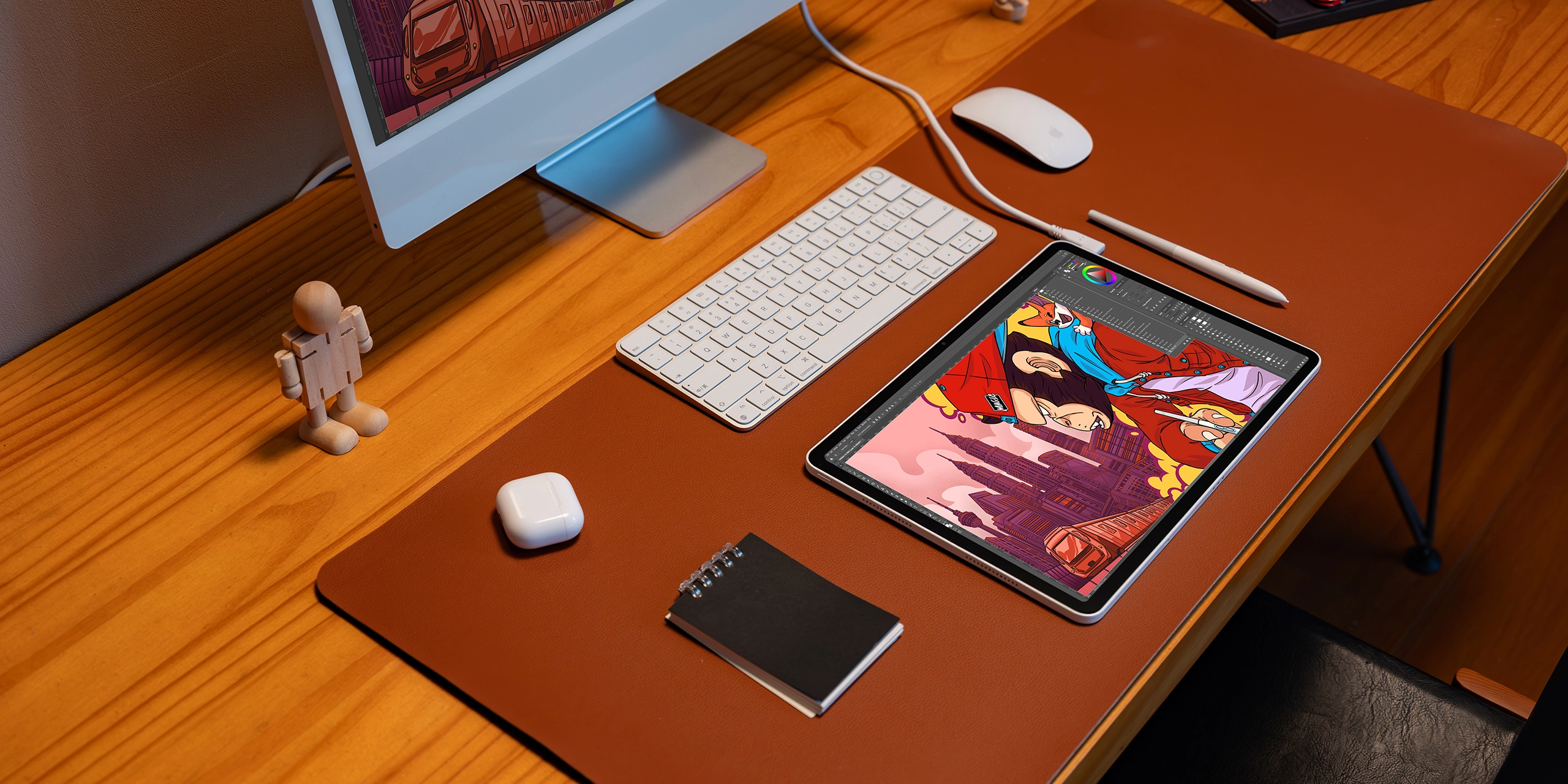
See the connection in action
Watch XPPen’s demonstration of a one-cable workflow. Computer use requires a compatible USB-C display connection and the appropriate XPPen driver; desktop applications run on your computer.
A generous 3K canvas with 120Hz refresh
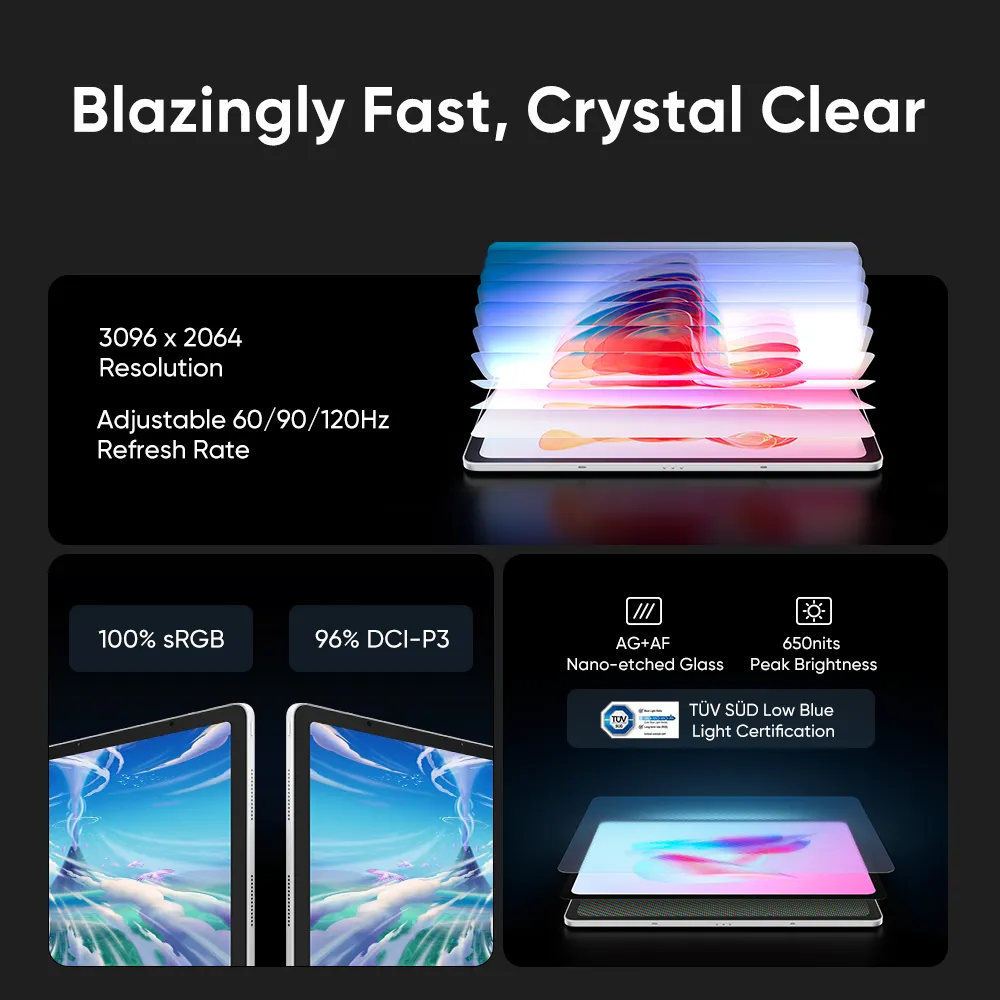
The 12.95-inch, 3:2 display offers room for artwork and reference material. Its 3096 × 2064 resolution reveals fine details, while selectable 60, 90 and 120Hz refresh rates let you adjust the viewing experience.
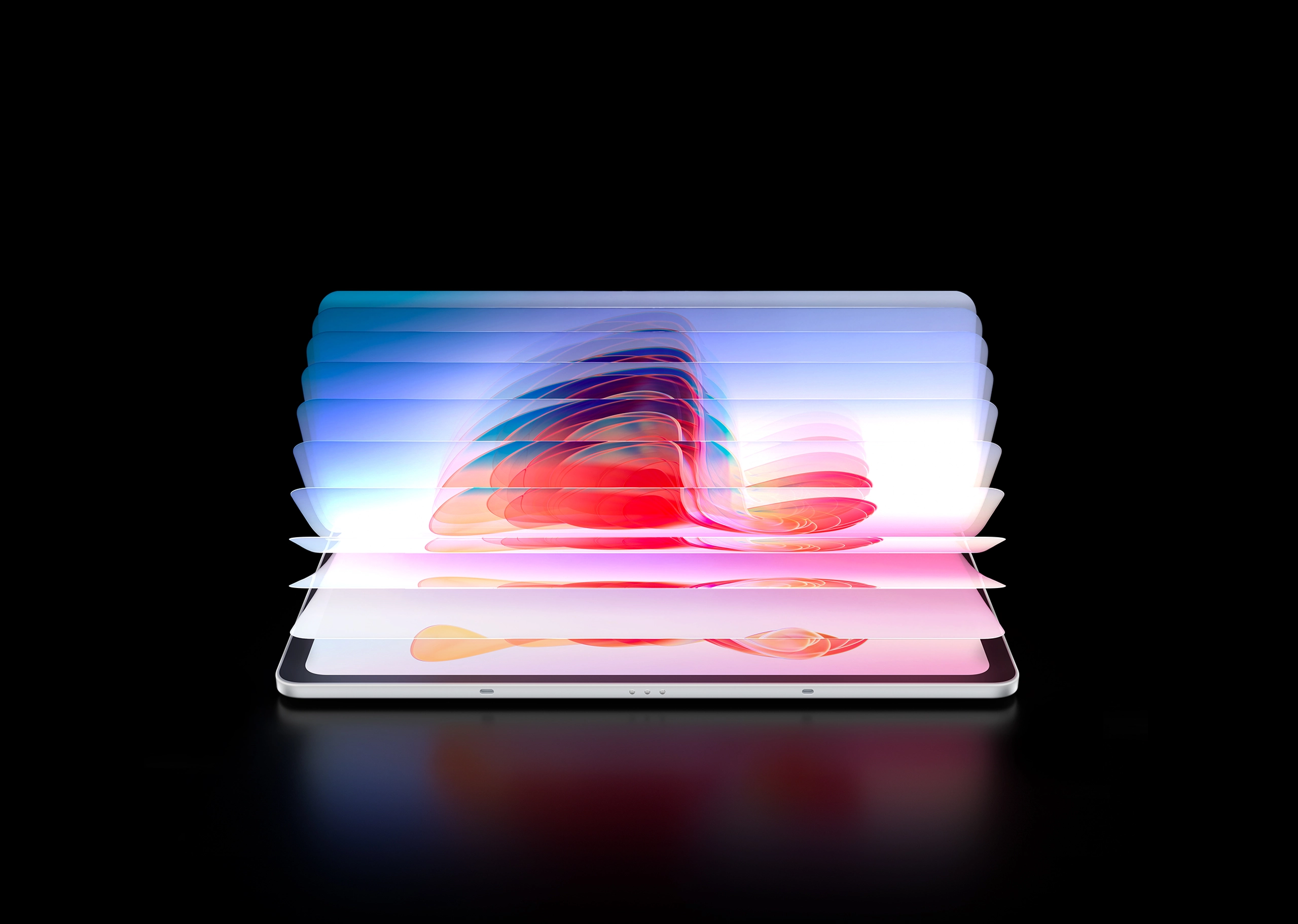
Texture and colour for creative work
AG nano-etched glass and an AF coating give the drawing surface a paper-like texture. The display covers 100% sRGB and 96% DCI-P3 (typical), with system-level colour-gamut switching for different projects.
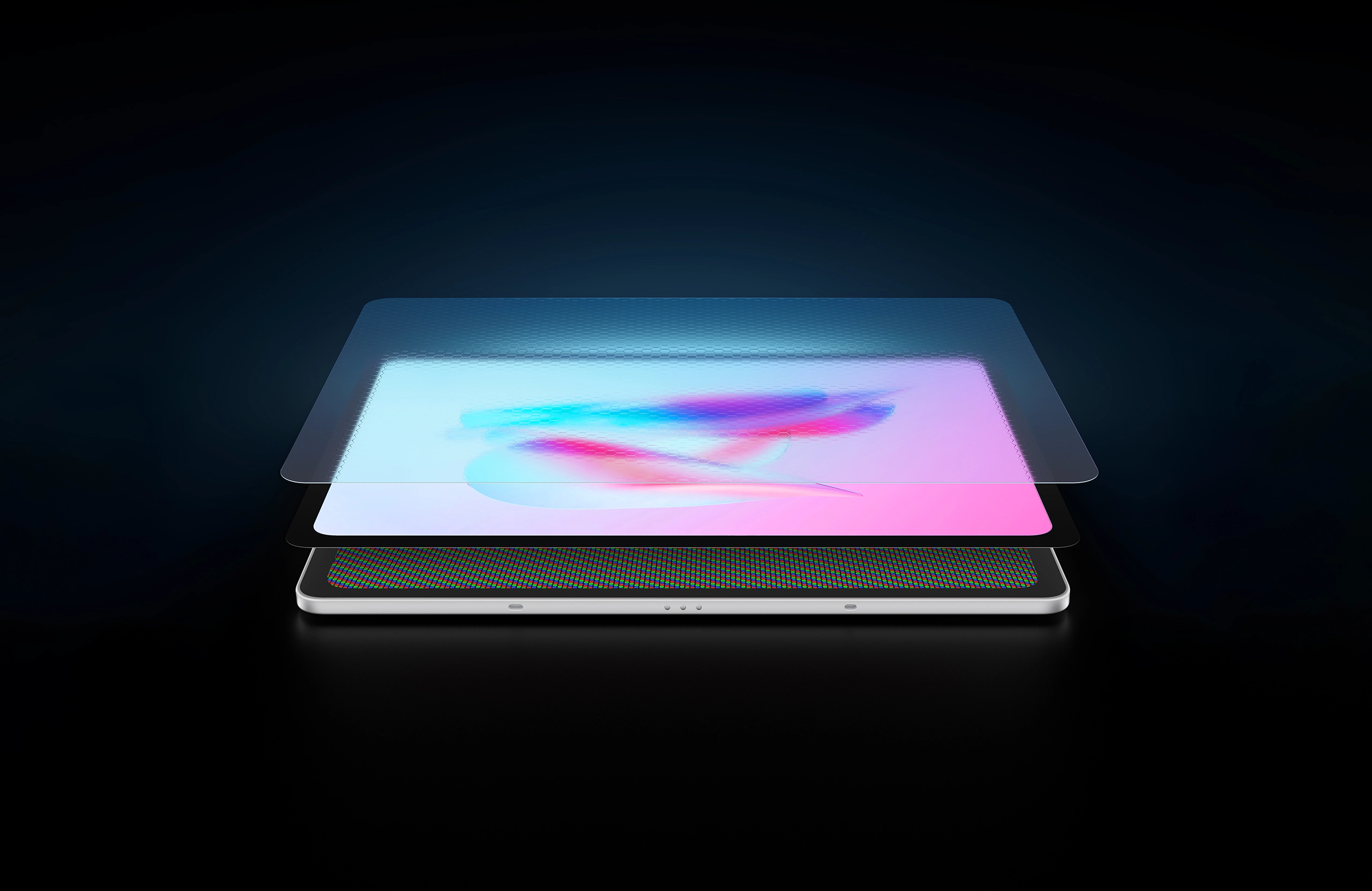
Light lines, expressive shading
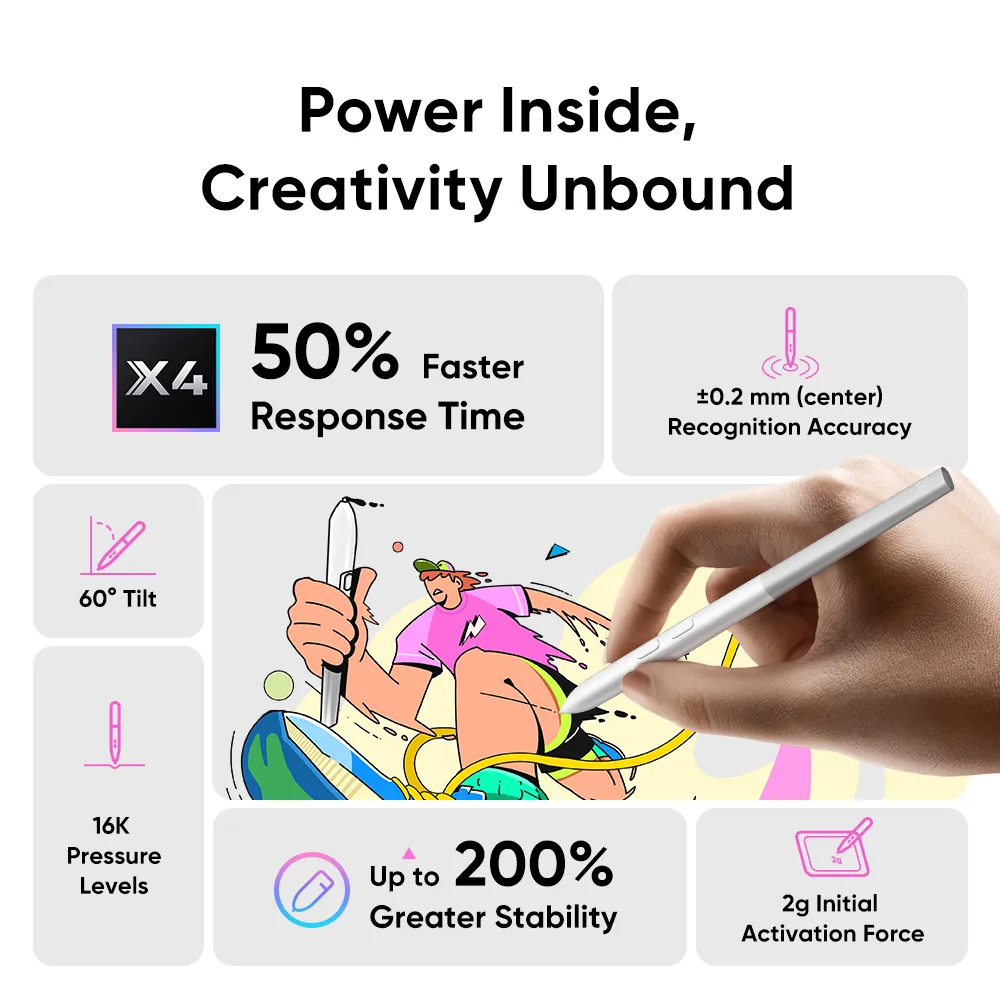
The included X4 Smart Chip Stylus senses 16,384 pressure levels and starts registering at 2g. Use a light touch for delicate marks and tilt the pen up to 60° for supported brushes. Pen settings can be adjusted to suit your drawing habits.

Android tools for the whole creative process
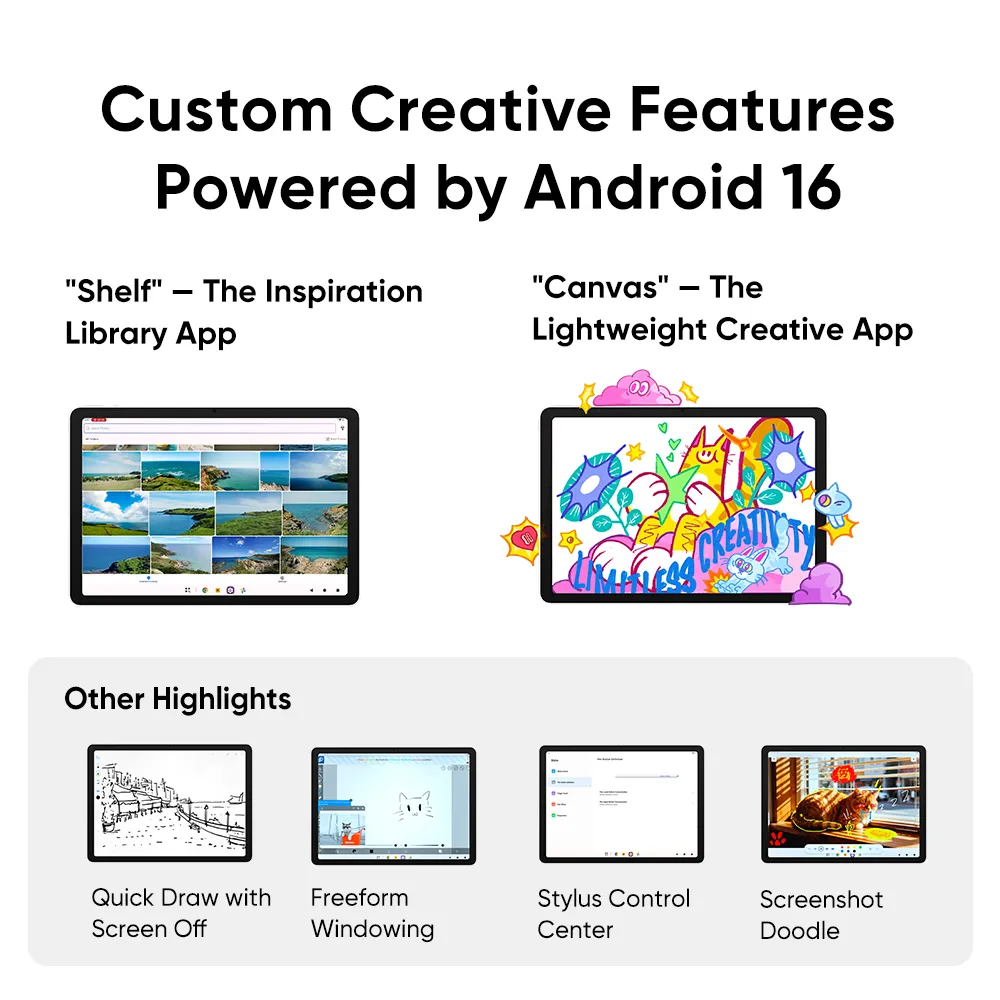
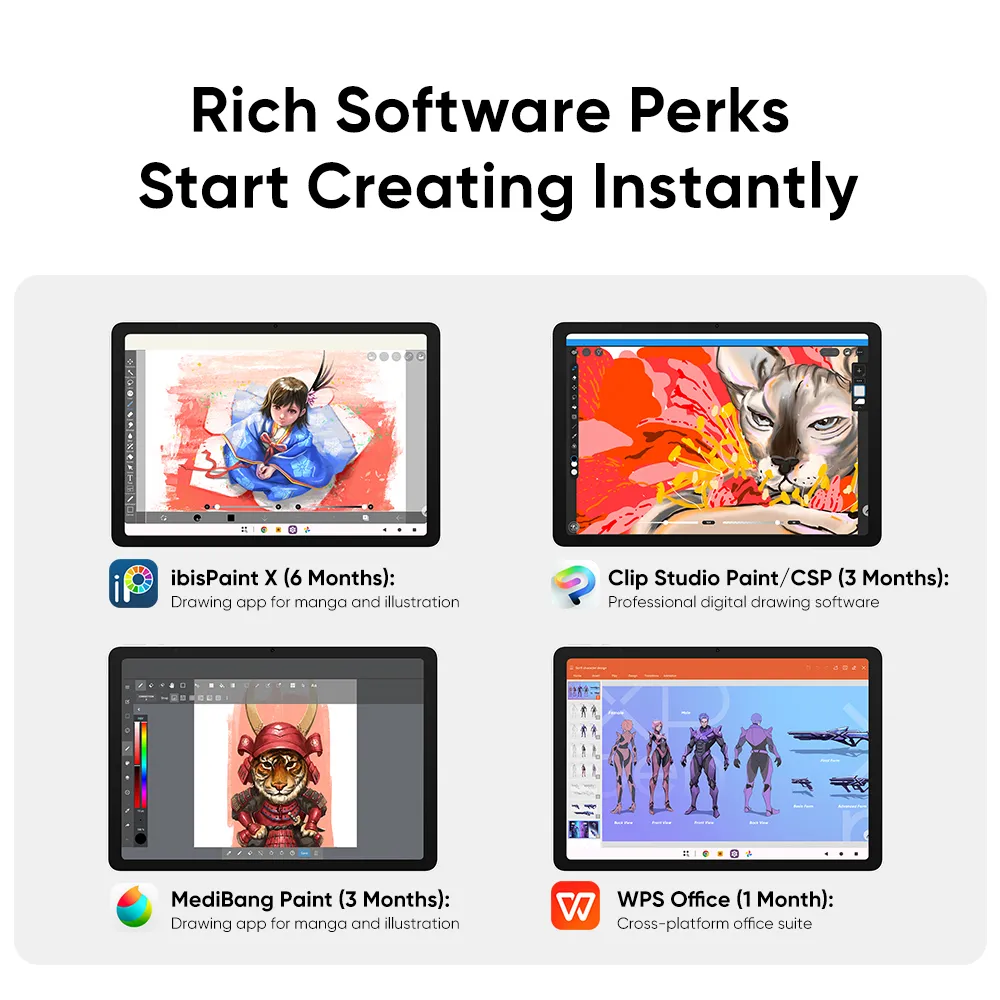
Use Shelf to organise visual references and Canvas for quick sketches. Android 16 supports a portable workflow for drawing, annotations and everyday tasks. App availability, subscriptions and compatibility depend on the software provider.
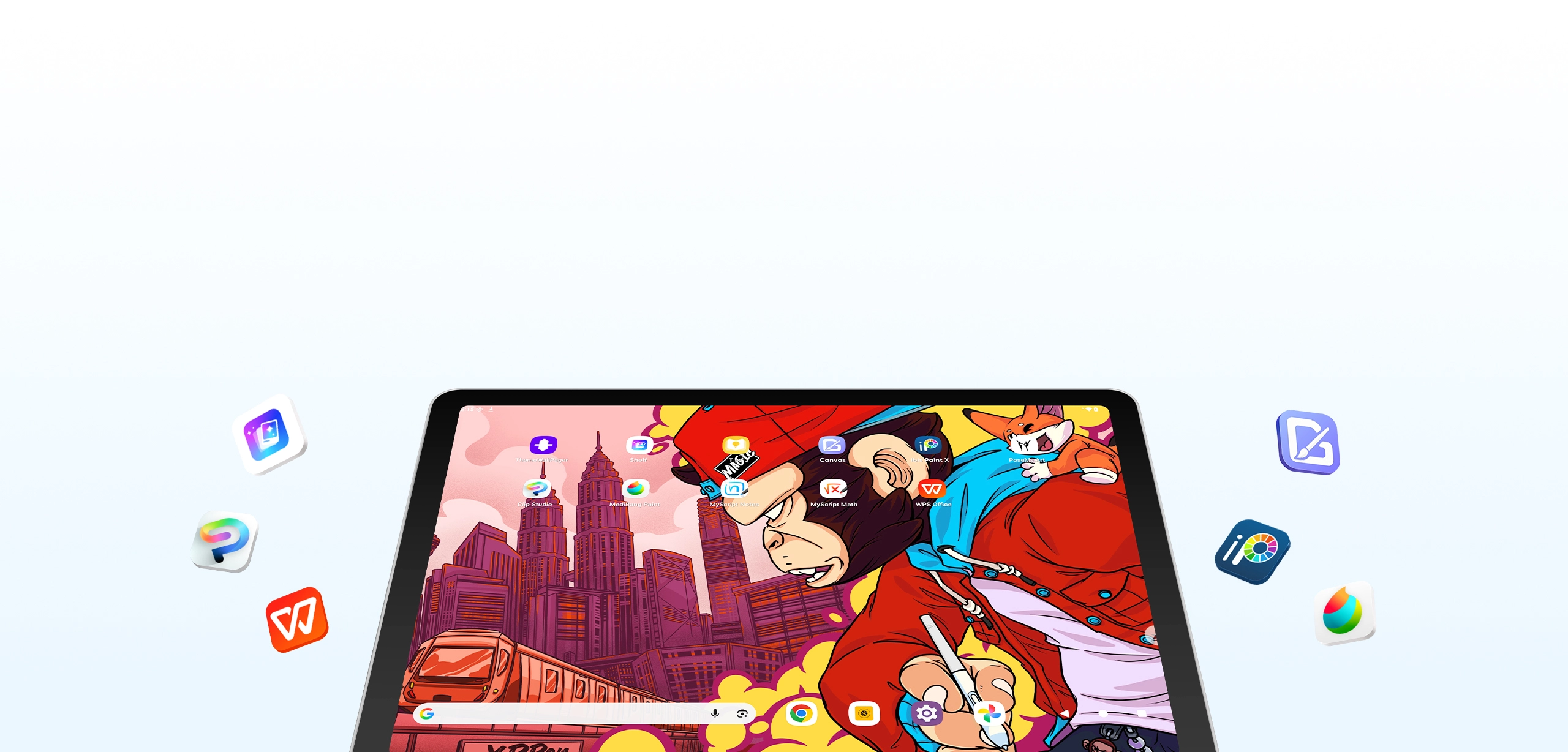
Space for apps, references and finished work
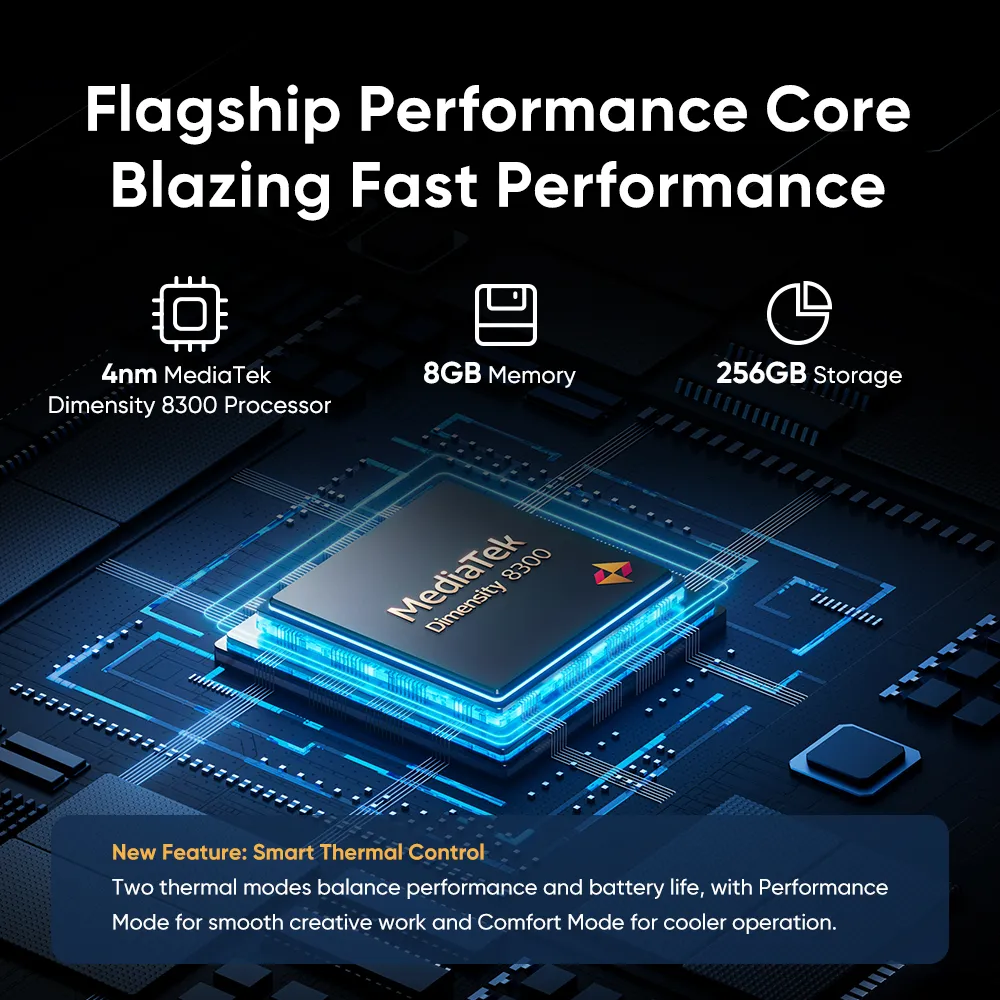
A MediaTek Dimensity 8300 processor, 8GB RAM and 256GB storage support creative apps and multitasking. SD card expansion provides another way to carry project files.
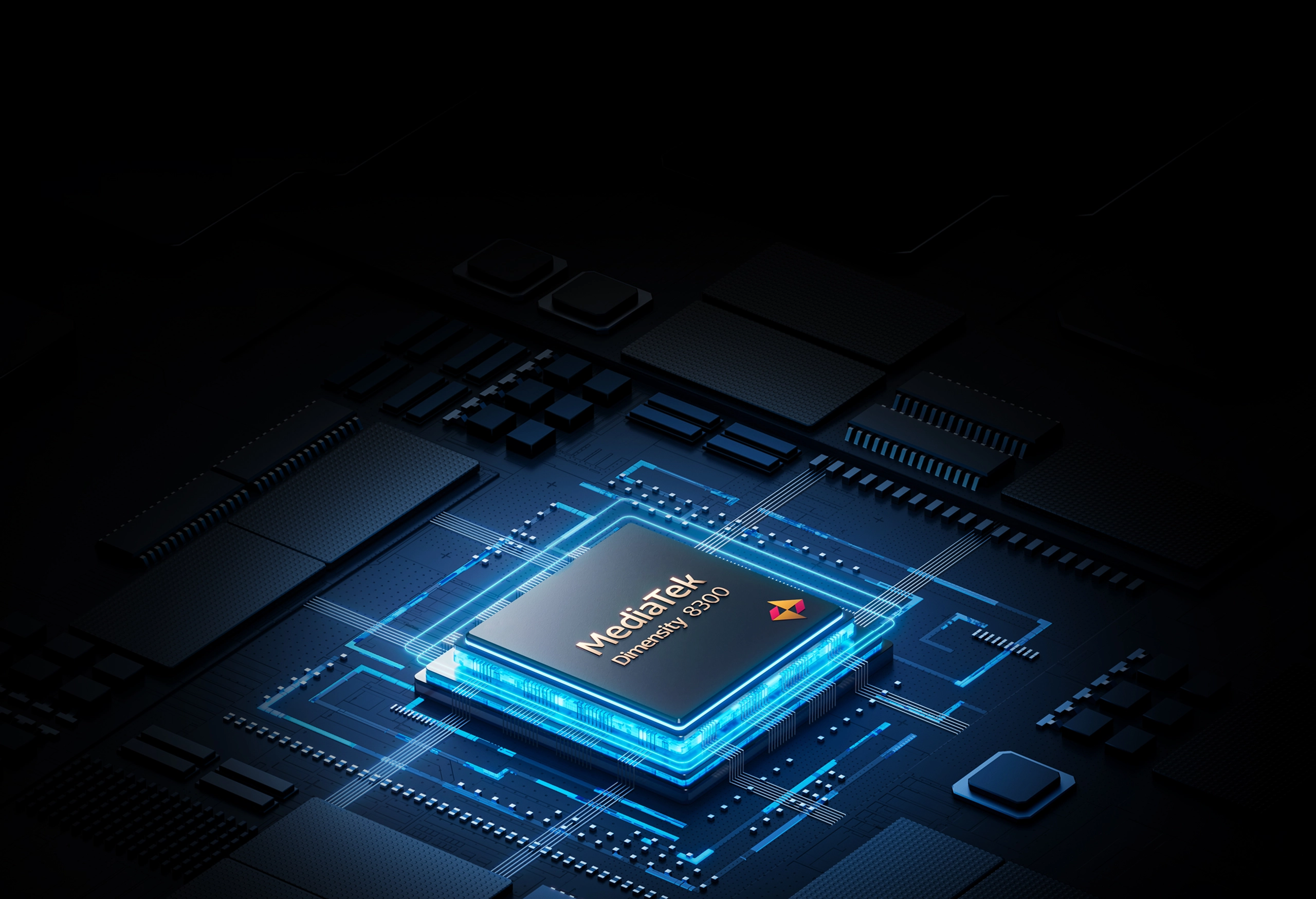
Ready to travel with your workspace
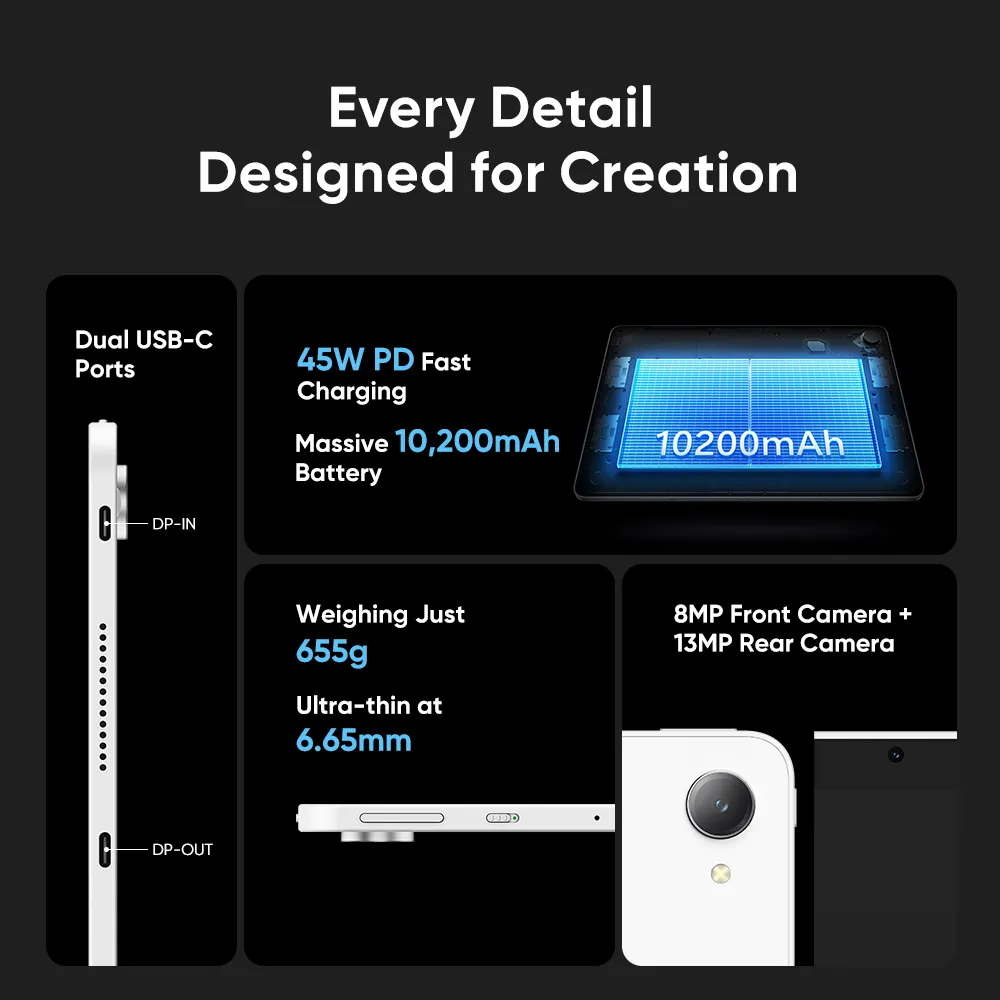
At 6.65mm thick and 655g, Magic Pro 13 combines a large drawing surface with a portable body. Its 10,200mAh battery supports 45W PD charging through either USB-C port.
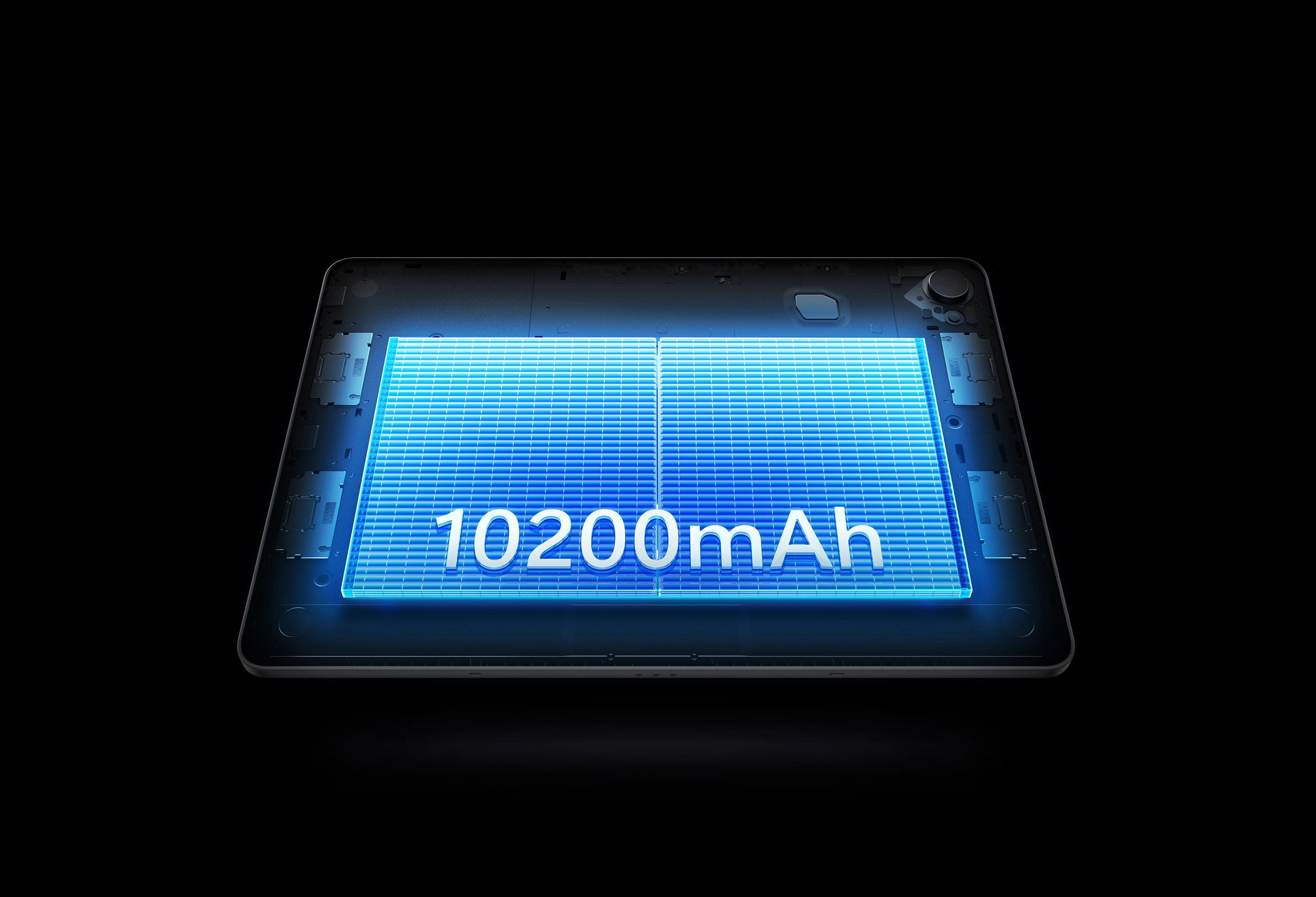
Technical specifications
| Display | 12.95 inches; 3096 × 2064 pixels; 3:2 aspect ratio |
|---|---|
| Refresh rate | 60 / 90 / 120Hz |
| Surface | AG nano-etched glass with AF coating |
| Colour gamut | 100% sRGB; 96% DCI-P3 (typical) |
| Brightness | 650 cd/m² (typical) |
| Pen | X4 Smart Chip Stylus; 16,384 pressure levels; 60° tilt |
| Pen precision | 2g initial activation force; ±0.2mm accuracy at the centre; 5080 LPI |
| Processor | MediaTek Dimensity 8300, 4nm |
| System | Android 16 |
| Memory / storage | 8GB RAM / 256GB storage; SD card expansion supported |
| Battery / charging | 10,200mAh / 45W USB-C PD |
| Connections | Two USB-C ports; Drawing Display Mode; DP-OUT |
| Cameras | 8MP front / 13MP rear |
| Dimensions | 298.94 × 205.28 × 6.65mm |
| Weight | 655g |
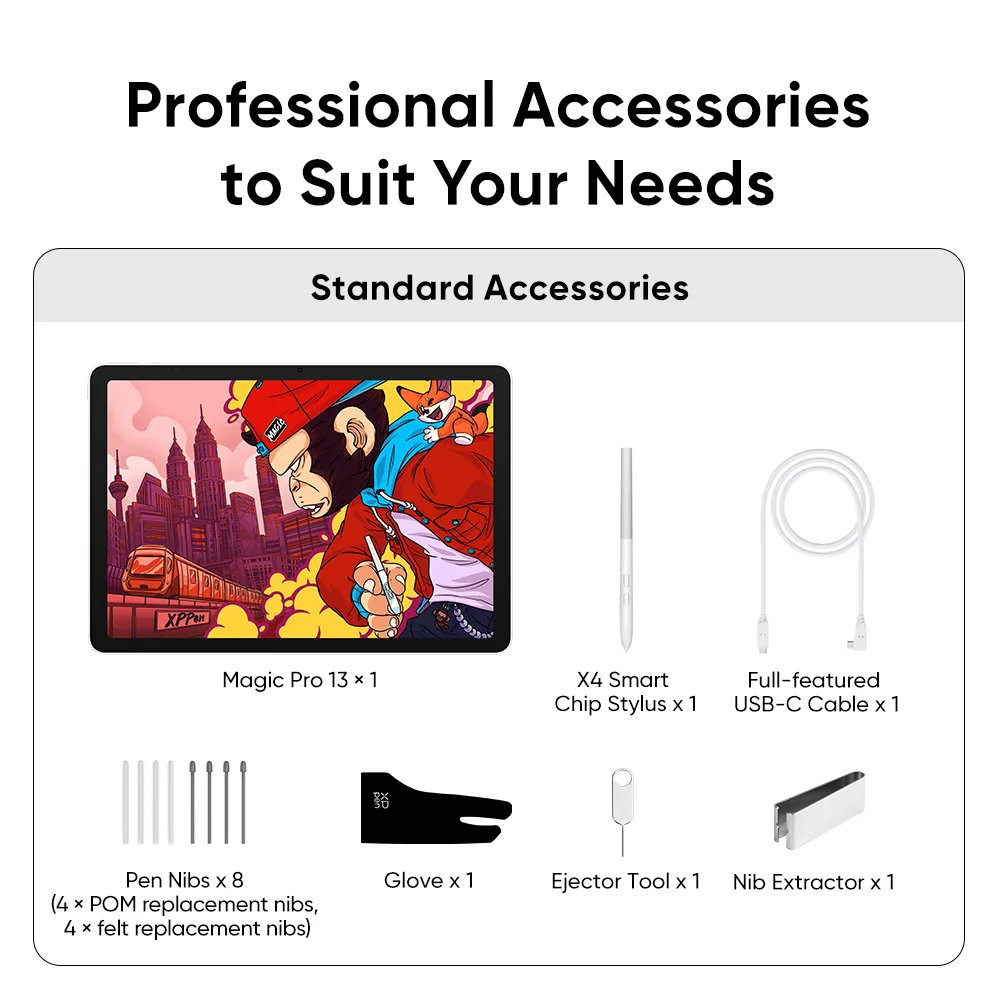
What’s in the box?
- Magic Pro 13 drawing pad
- X4 Smart Chip Stylus
- Full-featured USB-C cable
- Eight replacement nibs: four POM and four felt
- Nib extractor
- Glove
- Ejector tool
Questions before you buy
Do I need a computer to draw?
No. Magic Pro 13 runs Android independently. A compatible computer is needed only when using it as a drawing display for desktop software.
Does it run Windows software on its own?
It is an Android device. For Windows or Mac applications, connect it to a compatible computer using Drawing Display Mode.
Is the pen included?
Yes. The box includes the X4 Smart Chip Stylus and replacement nibs listed above.
Can I order it today?
Stock is arriving soon. Online purchasing is currently unavailable. Contact XPPEN Pakistan for availability updates.
Official drivers and manual · Manufacturer product information


Reviews
There are no reviews yet.